The school runs in one place.
School management for Malawian secondary schools: pupils, teaching, timetables, exams and MANEB, fees, boarding, reports and a parent app, from one secure system.
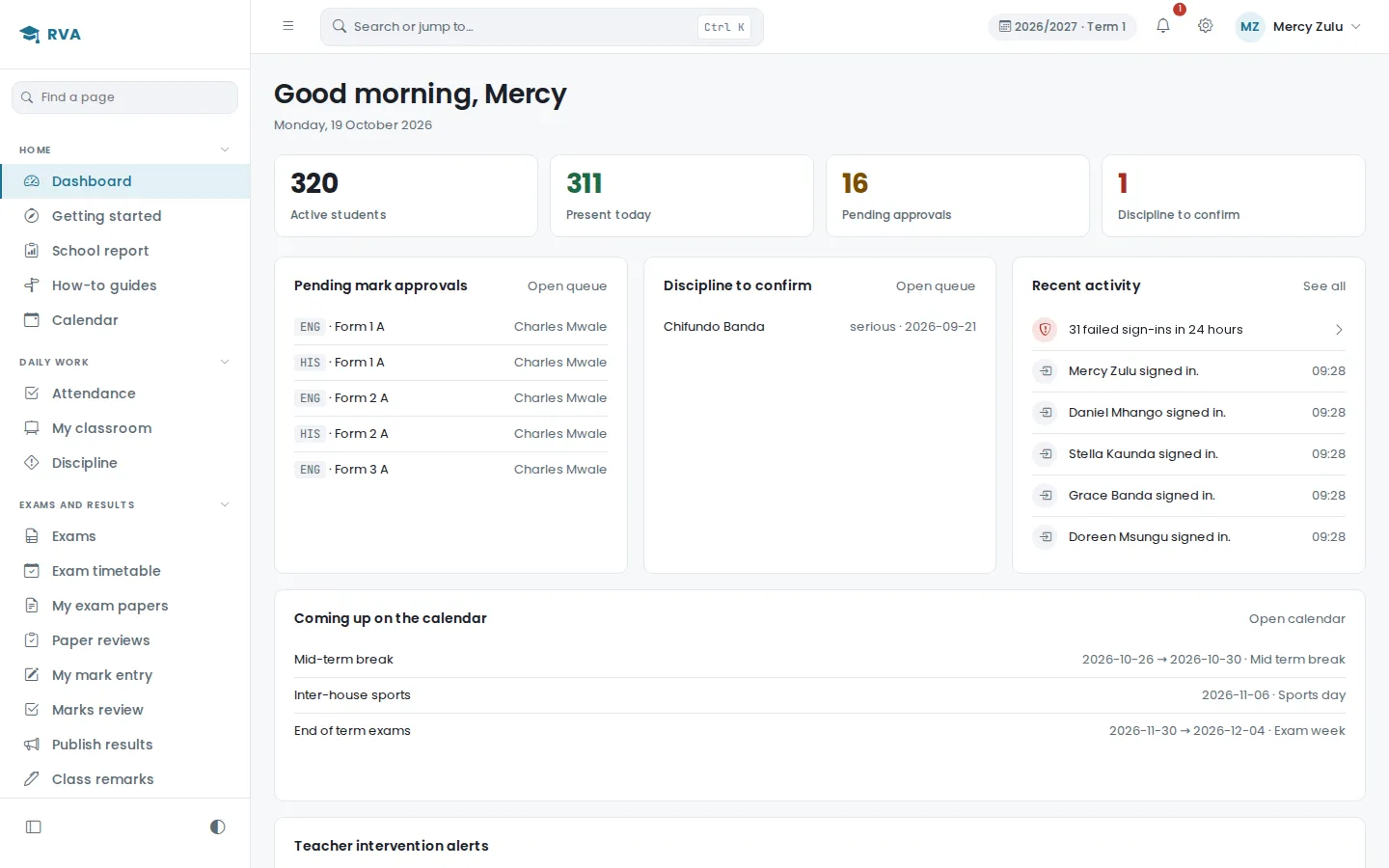
Good morning, Mercy
Monday, 19 October 2026
What EduMalawi covers
One system, one source of truth.
Most schools run on a pile of separate books and spreadsheets. The admissions list is in one place, the mark sheets in another, the fees ledger somewhere else again, and nobody can answer a simple question about one pupil without opening three files. EduMalawi keeps the whole operation in one record set, so the answer is always in one place.
- StudentsAdmission numbers, class placement, guardians, subjects and electives, enrolment history.
- TeachingDepartments, teaching assignments, timetables, option blocks, schemes of work.
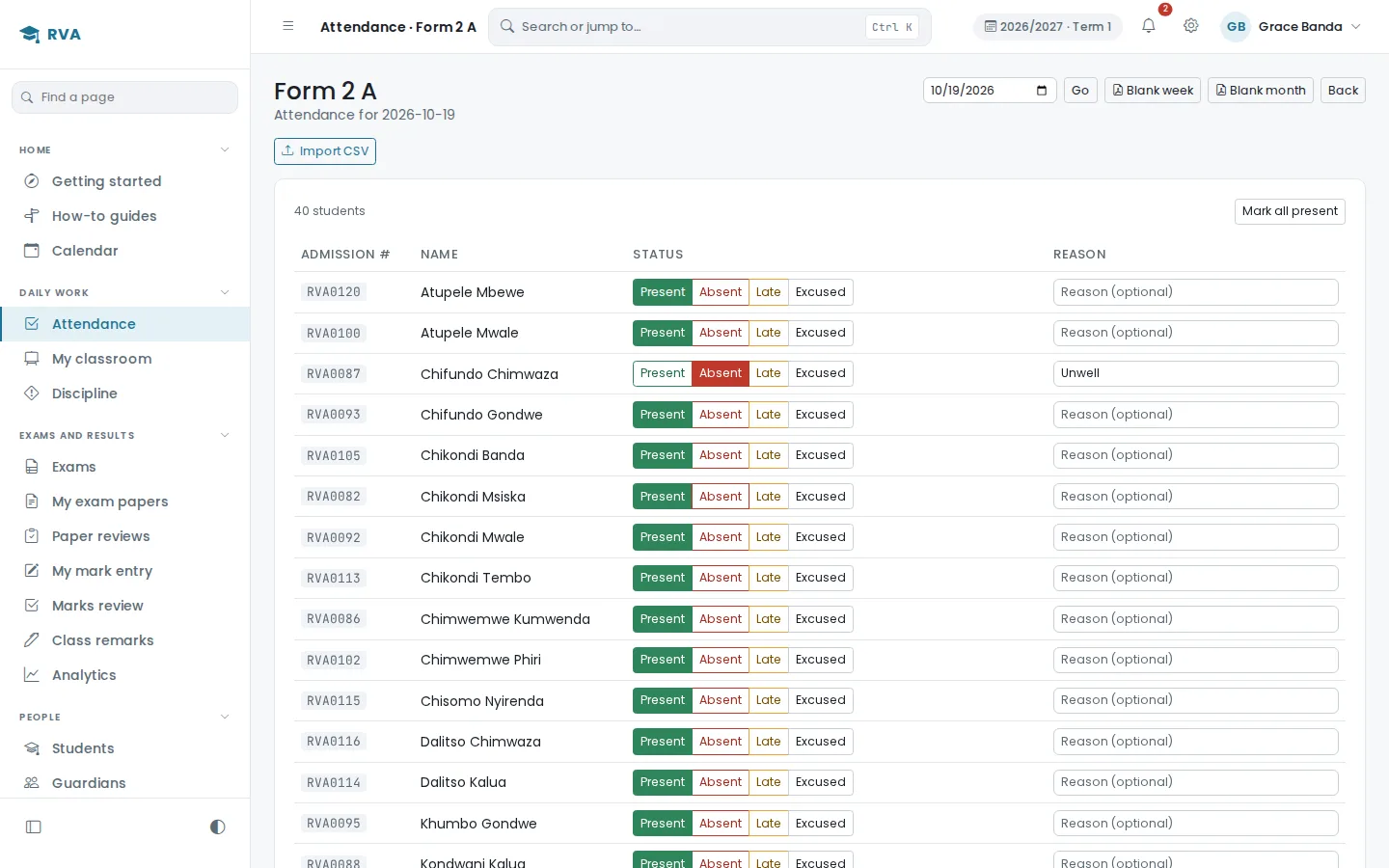
- AttendanceDaily registers for pupils, a staff register, leave and lesson cover.
- ExaminationsExam papers checked before they are sat, marks approved in the order the school sets, MANEB JCE and MSCE.
- FinanceFee structures, payments and receipts, adjustments, and results held back for unpaid fees.
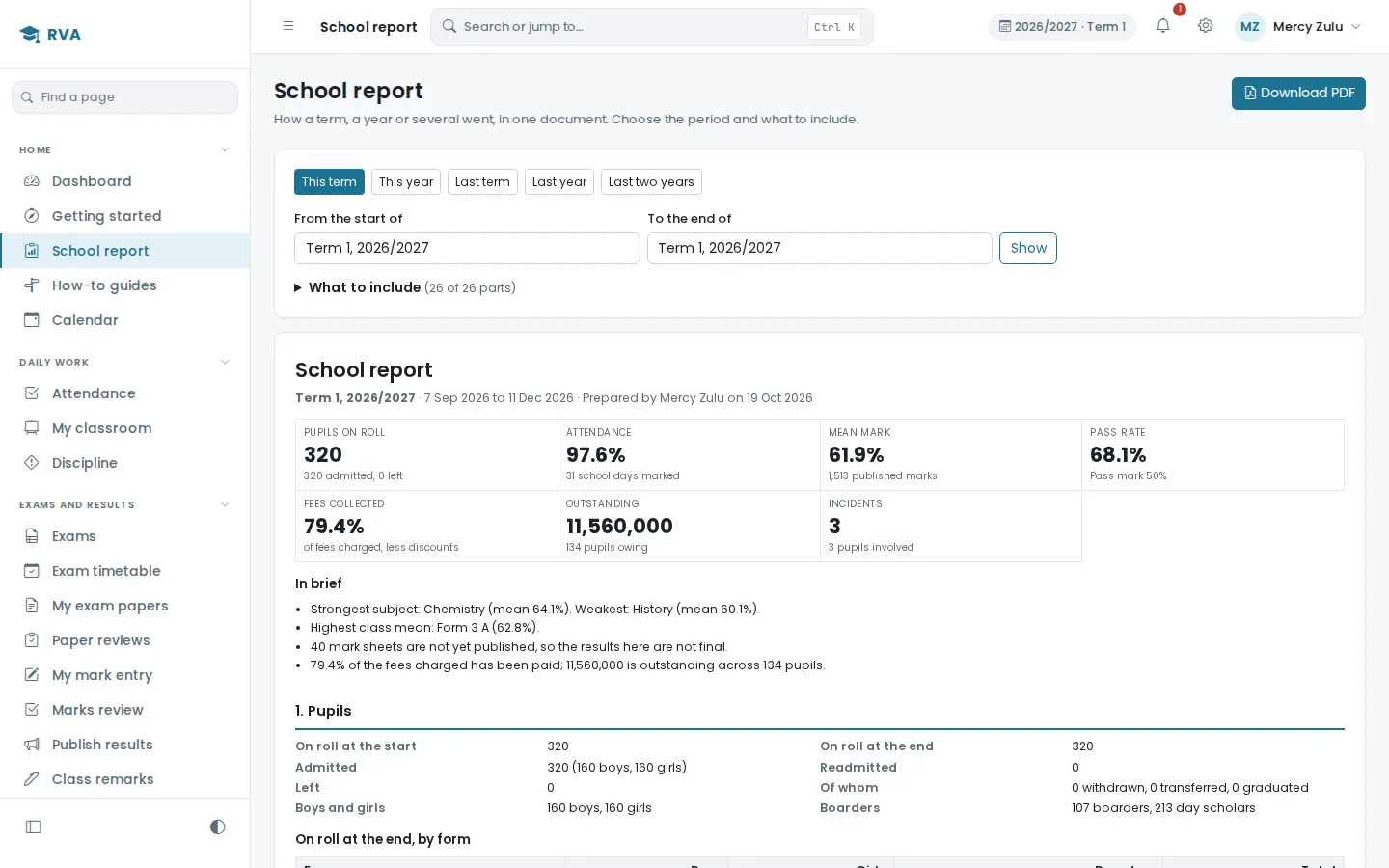
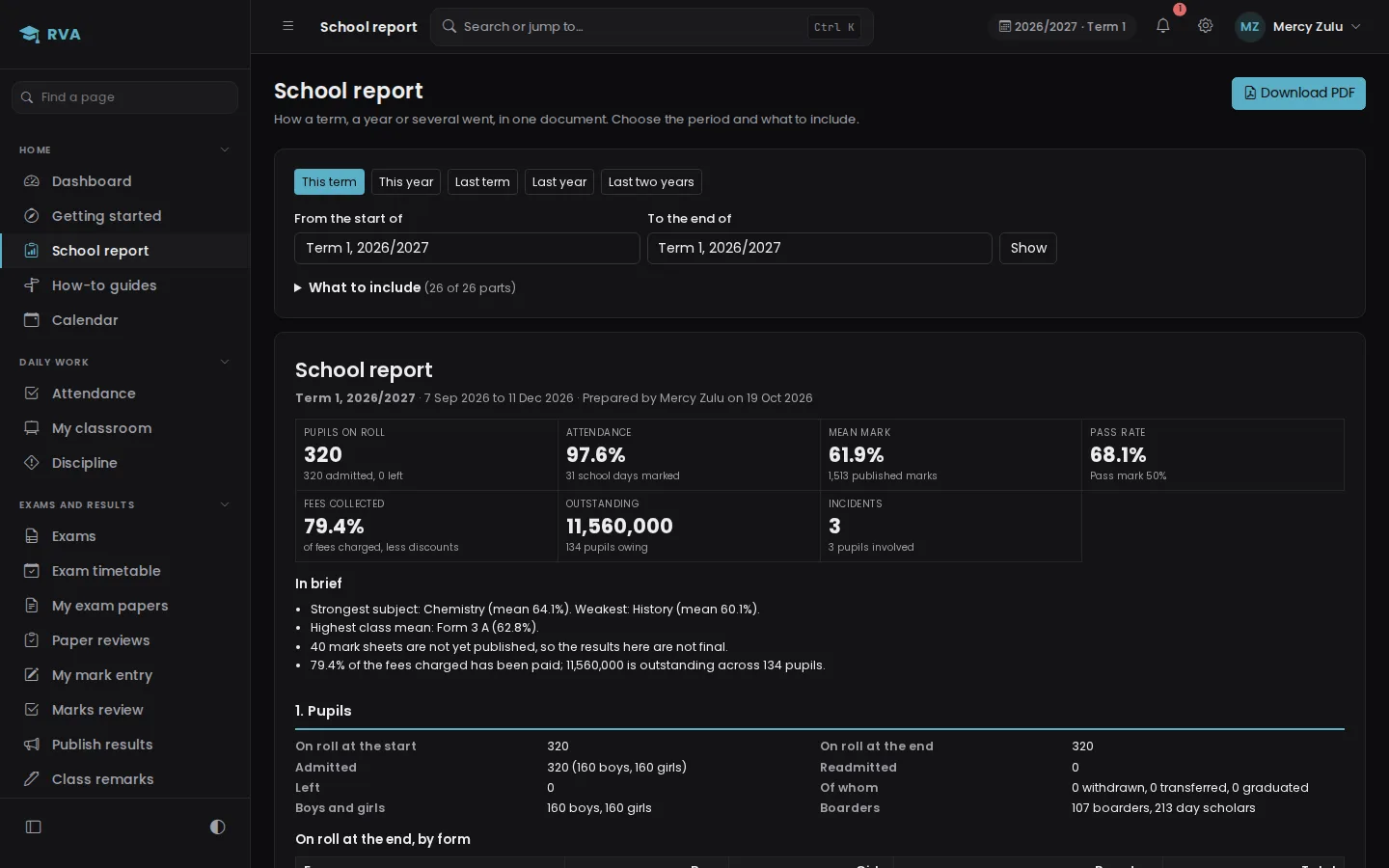
- ReportsReport cards, a school report for any term or year, class lists, analytics, testimonials and transfer letters, as PDF or CSV.
- ParentsA parent portal and a phone app, with results, fees, receipts and the timetable.
- School lifeBoarding and exeats, sick bay, welfare, clubs, library, stores and counselling.
The school lifecycle
It follows the year the way the school actually runs it.
These are not separate products bolted together. Each stage hands its output to the next, which is why the system can answer questions that cross between them.
- School setup
- Academic year
- Classes and subjects
- Staff and teaching
- Student enrolment
- Daily attendance
- Examinations
- Results
- Report cards
- Promotion
- Next academic year
A student belongs to a class. The class carries subjects. Those subjects are taught by assigned teachers. Teaching produces attendance and marks. Marks become results, results become a report card, and the year ends in promotion into the next one. Because that chain is one record and not seven, a head teacher can see a pupil's attendance, marks and fee position on one screen, and the office is not reconciling three books at the end of term.
Students and guardians
Know every student. Keep their history intact.
A student record holds the admission number, current class, whether the pupil is a day scholar or a boarder, the guardians linked to them, the subjects they sit, and their progression through academic years. Transfers and withdrawals are recorded as status changes rather than by deleting the pupil, so the history survives.
Two records that may be the same child, entered twice by mistake, are flagged until somebody decides whether they are one pupil or two.
Guardians are captured when a pupil is enrolled and linked to that pupil by the school. Each linked guardian is provisioned a portal sign-in at that point.
Guardians do not sign themselves up. The school links a guardian to a pupil, and that link is what the portal reads.
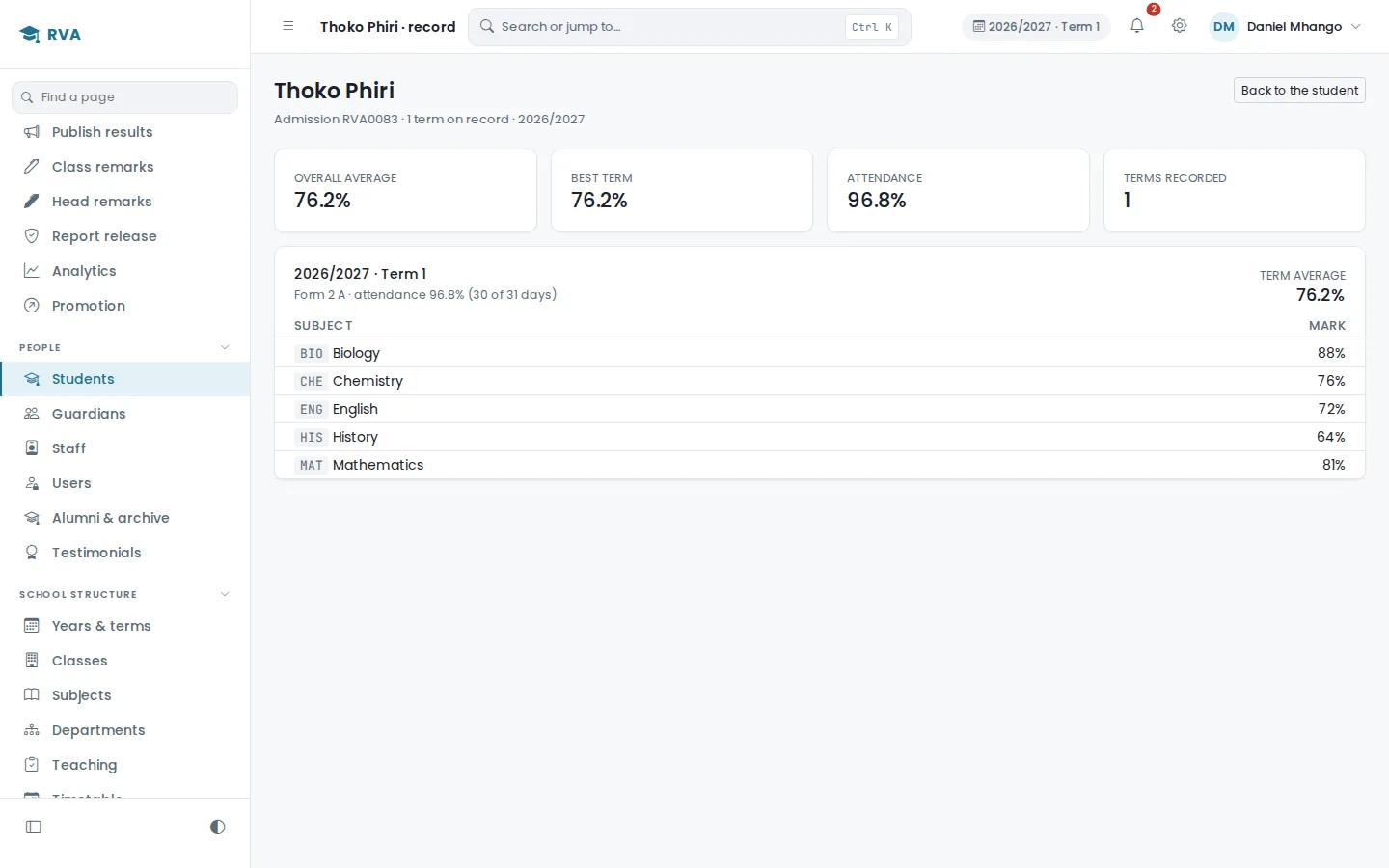
Thoko Phiri
RVA0083 · Form 2A · Boarder
Teaching and curriculum
The people who teach, and what they are allowed to touch.
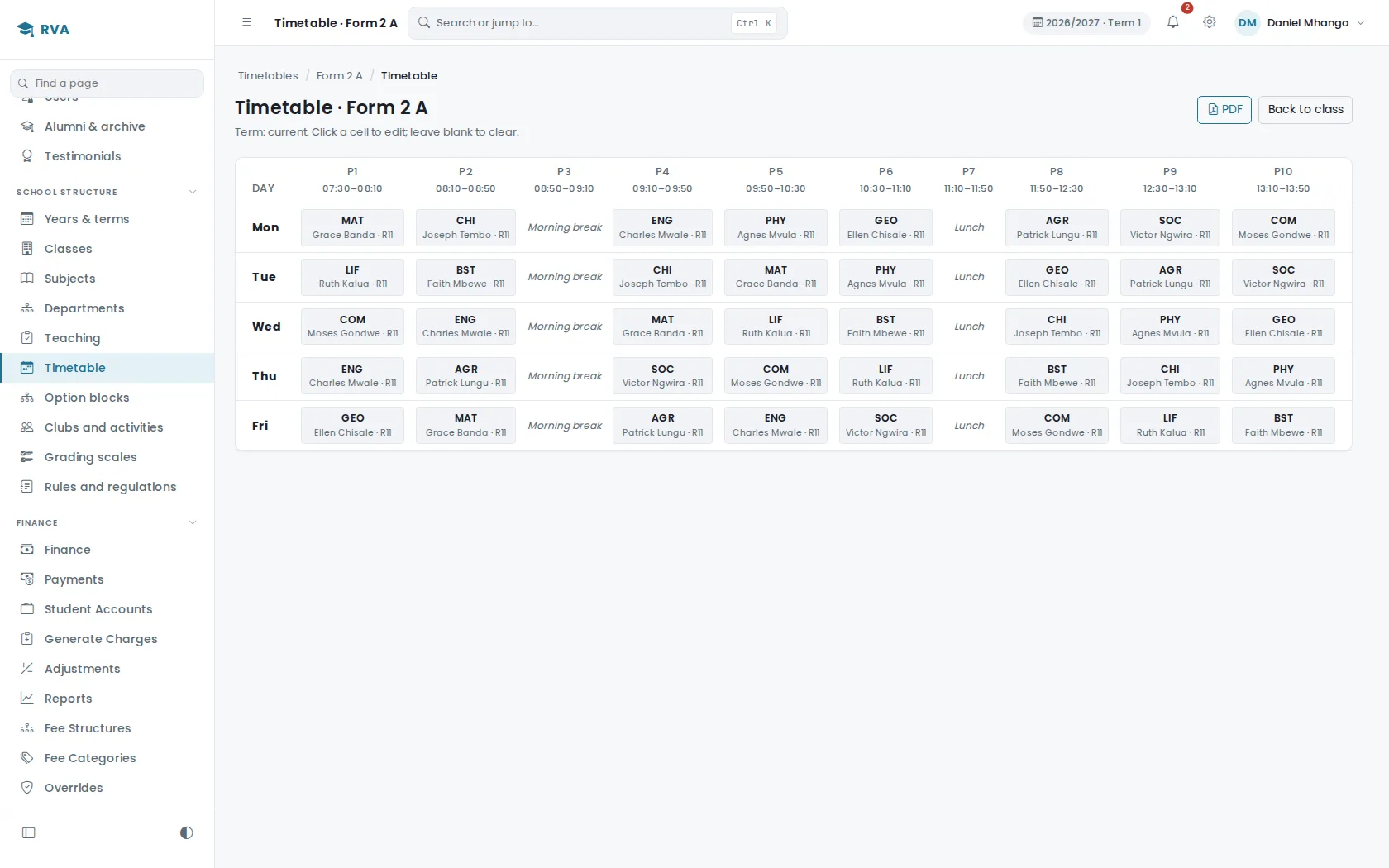
Staff records carry roles. Departments carry a head of department and the subjects that sit under them. Classes carry a class teacher and the subjects that class actually takes. A teaching assignment ties one teacher to one class and one subject.
That assignment is an authorisation control, not a label. A teacher can enter marks for the classes and subjects assigned to them, and for nothing else. It is enforced on the server, so it holds whatever the person does in the browser.
Sciences
Head of department: Grace Banda
| Teacher | Subject | Classes |
|---|---|---|
| Grace Banda | Biology | Form 3A, Form 3B |
| Charles Mwale | Chemistry | Form 2A, Form 4A |
| Gladys Longwe | Physics | Form 3B, Form 4B |
| Period | Subject | Teacher | Room |
|---|---|---|---|
| 1 | Mathematics | S. Kaunda | R104 |
| 2 | English | J. Tembo | R104 |
| 3 | Physics | G. Longwe | R301 |
Teacher clash: this teacher is already teaching Form 3B in Period 3.
Room clash: R301 is already occupied in Period 3.
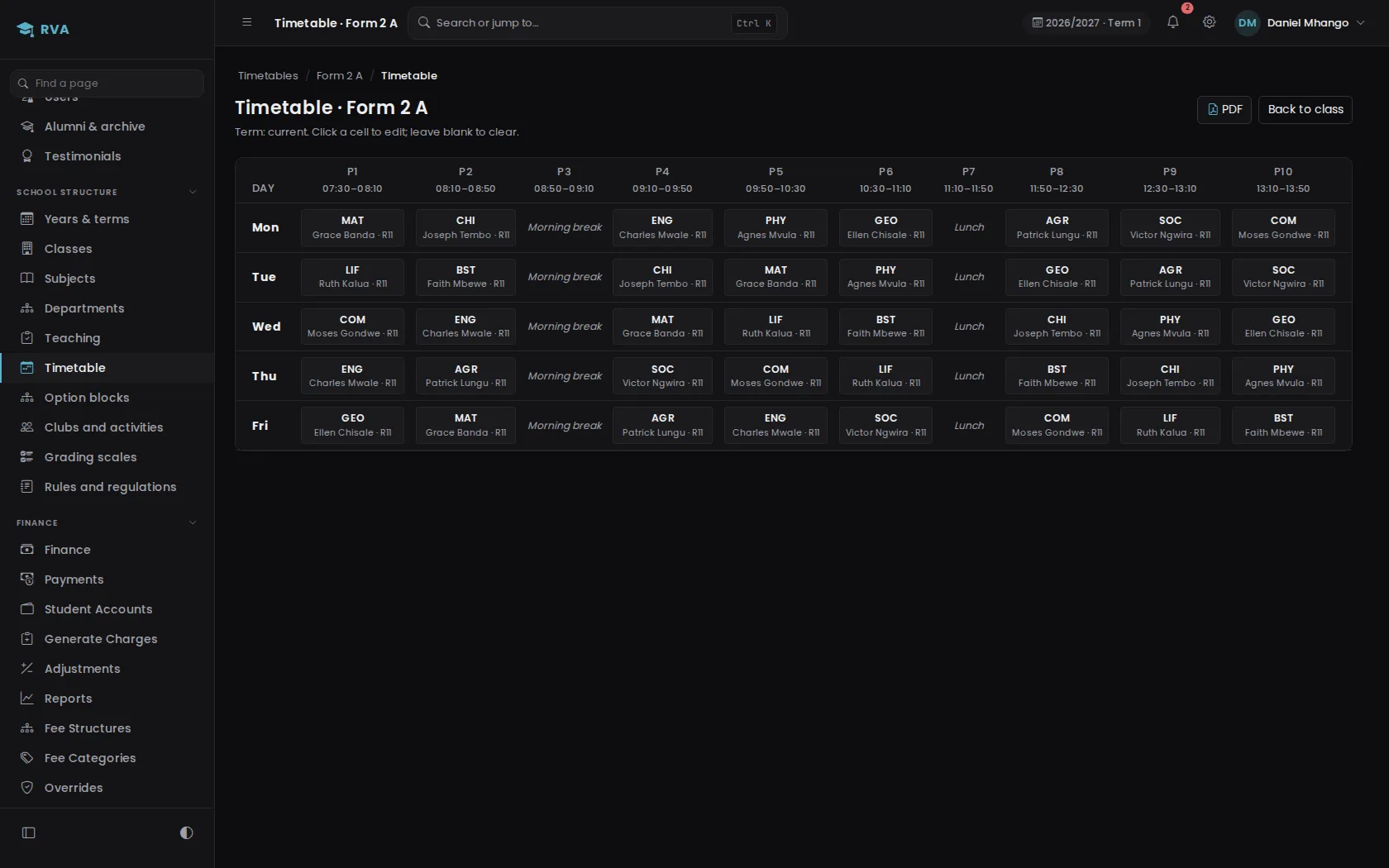
The timetable models one teacher, one class and one subject per period, and it refuses to double book a teacher or a room.
Examinations and results
Marks are reviewed before anyone sees them.
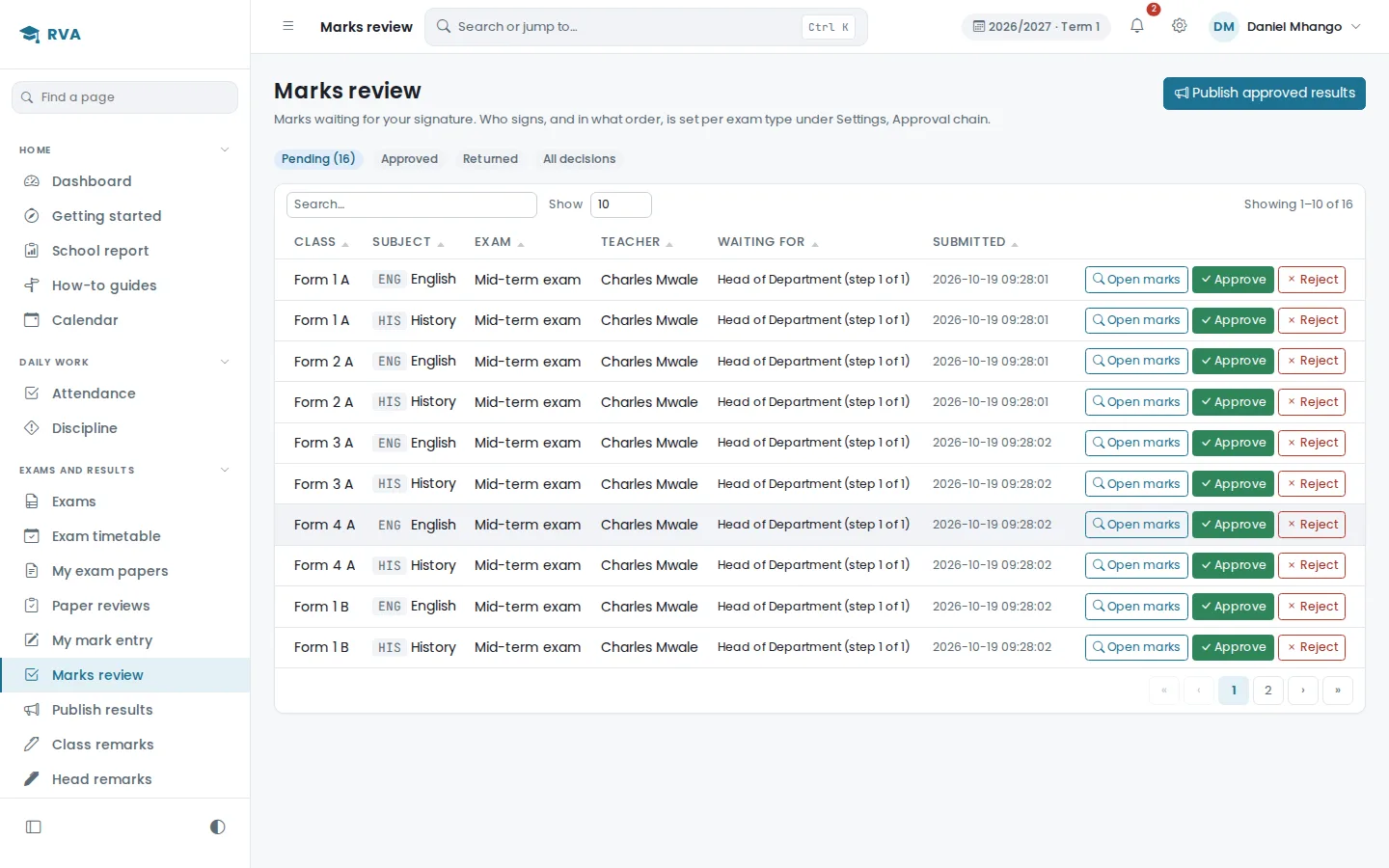
An exam is set up against a class and subject. The assigned teacher enters marks and submits them. From there the submission moves through a review chain, and nothing reaches a guardian until it has come out the other end.
- Teacher enters marks
- Submission
- Head of department review
- Head teacher approval
- Proprietor approval, where the school configures it
- Publication
Only published results are visible to guardians, and only published results feed report cards and the summaries the school reads. A submission that has not cleared the chain does not exist as far as the rest of the system is concerned.
Published marks are not silently editable. Correcting a published mark reopens the review rather than overwriting what was already released, so the record of what the school published, and who approved it, stays intact.
Subject pass rates and term trends are available to the head teacher alongside this. They are written as advisory, for spotting where a class needs support, and are not a ranking or a score against a teacher's name.
Riverside Academy
Thoko Phiri · RVA-02-01-26 · Form 2A
| Subject | Mark | Grade |
|---|---|---|
| Mathematics | 78 | A |
| English | 71 | B |
| Biology | 82 | A |
| Chemistry | 69 | B |
| Physics | 74 | B |
| Chichewa | 77 | A |
| Geography | 70 | B |
| History | 73 | B |
Finance and fees
A fees ledger the office can actually reconcile.
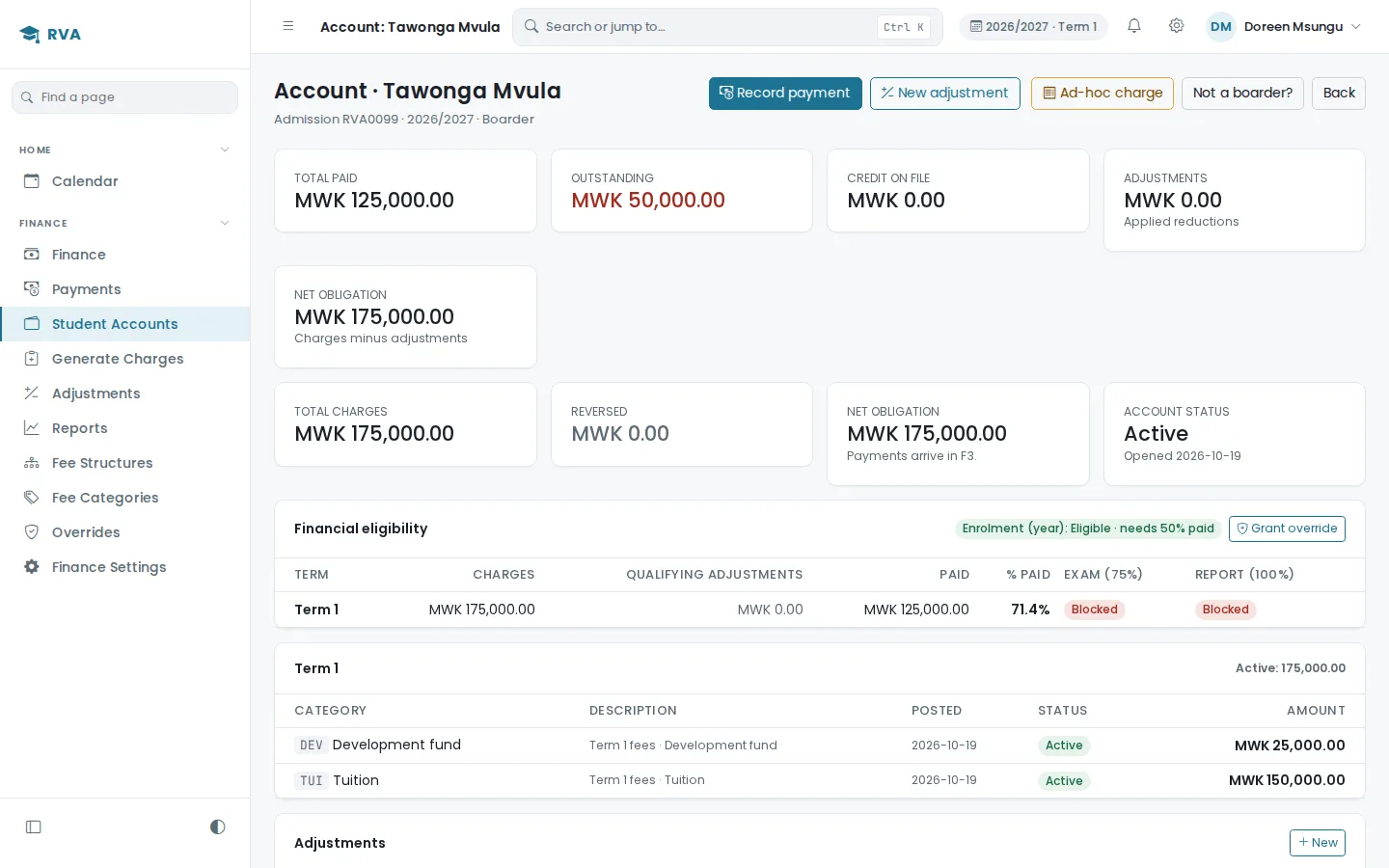
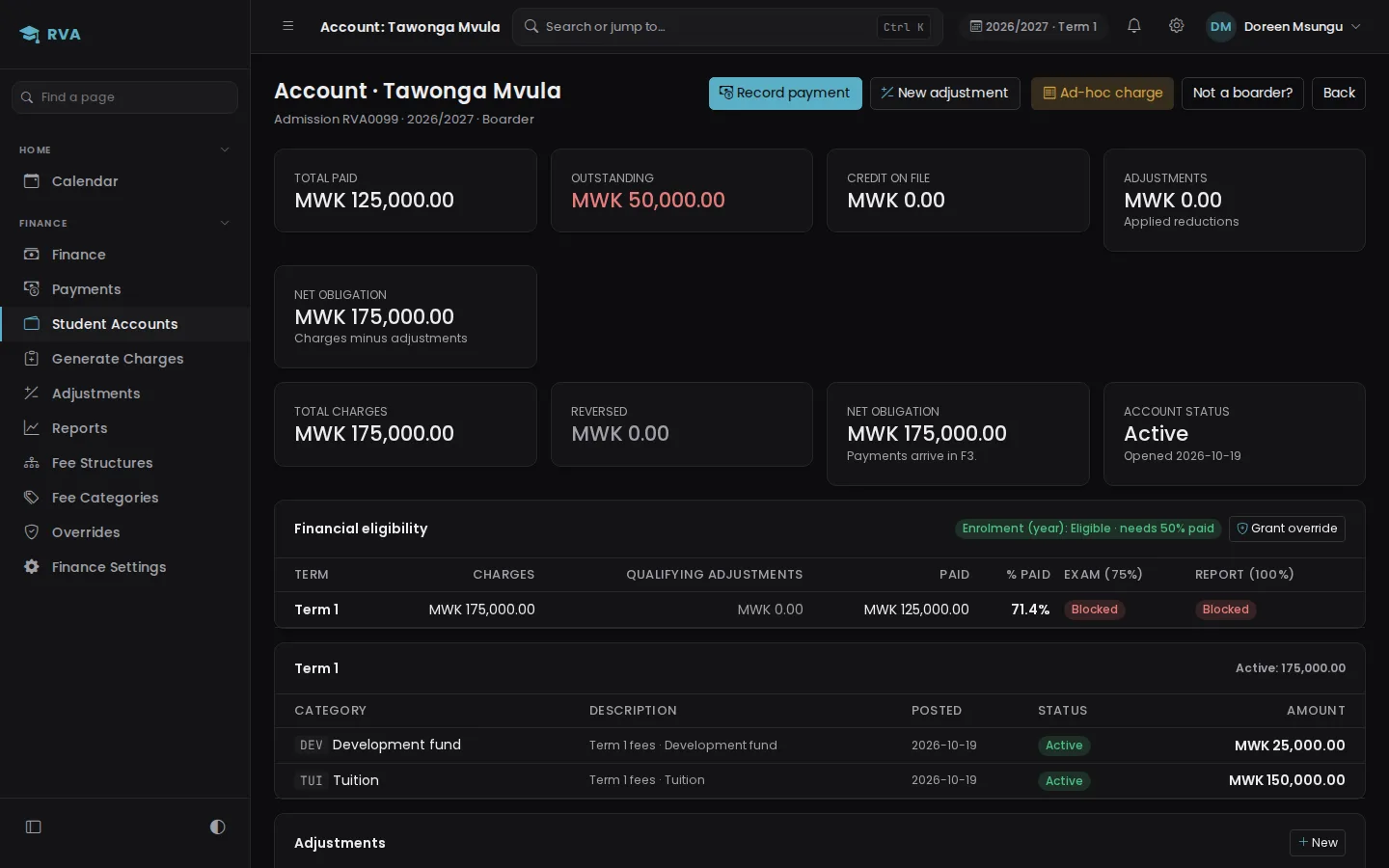
The school defines what a student is expected to pay for a term. Every student carries an account of what was charged, what has been recorded as paid, and what is left. The office can see the position for one pupil or for the whole school without adding anything up by hand.
EduMalawi does not process money. It is a ledger, not a payment gateway. Finance staff record payments the school received through the channels it already uses, bank transfer, bank deposit, mobile money and any other method the school configures, and attach the reference that came with it. Nothing moves through this system.
A payment is recorded once. A form sent twice on a slow connection makes one receipt. A payment that looks like one already on file, the same amount for the same pupil on the same day or a slip reference used before, asks before it is saved.
| Item | Applies to | Amount (MWK) |
|---|---|---|
| Tuition | All students | 150,000 |
| Development fund | All students | 25,000 |
| Term total | 175,000 |
Academic status and financial status are separate.
A pupil can be fully enrolled and sitting in class while carrying a balance. Schools configure their own rules for what a balance affects, for example whether a report is released. The system keeps the two facts apart rather than deciding for the school.
Guardian portal
Parents see their own children. Nothing else.
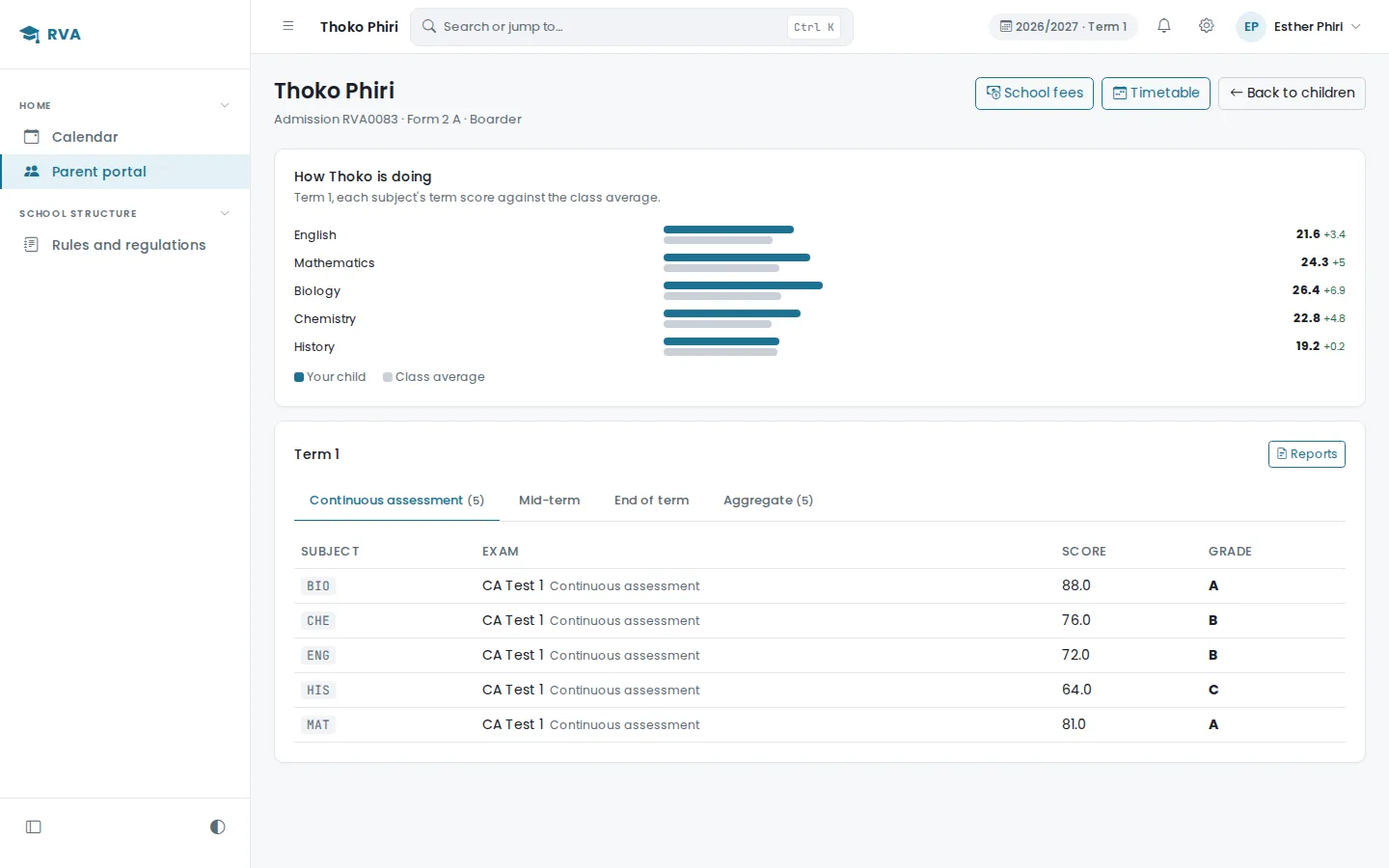
A guardian signs in with their child's admission number and their own phone number, which keeps it usable for a parent who is not going to manage a password. What they reach is scoped to the children the school linked to them, and to nothing beyond that.
For each child they see the class, attendance, the fee position, and any results the school has released, with the report available to view. The portal is read only. A guardian cannot change school records.
When results are published, a guardian who uses the phone app gets a notification. Results the school is holding back for unpaid fees show a note instead of the marks.
My children
Riverside Academy · Term 1, 2026/27
Security, roles and audit
Access is decided on the server, and the system keeps a record.
Every role sees a different system, and what a person can reach is checked where it cannot be edited: on the server, on every request. A teacher's access follows their teaching assignments, so it narrows and widens as the school changes them.
Alongside that: cross-site request forgery protection on forms, hashed passwords, session controls, limits on sign-in and password reset, a block on any network that keeps guessing usernames, two-factor authentication for accounts where the school turns it on, careful handling of uploaded files, database backups, and administrative operations such as a factory reset kept behind extra confirmation.
Important actions are written to an audit log with who did them and when, and published academic and financial history cannot be quietly rewritten.
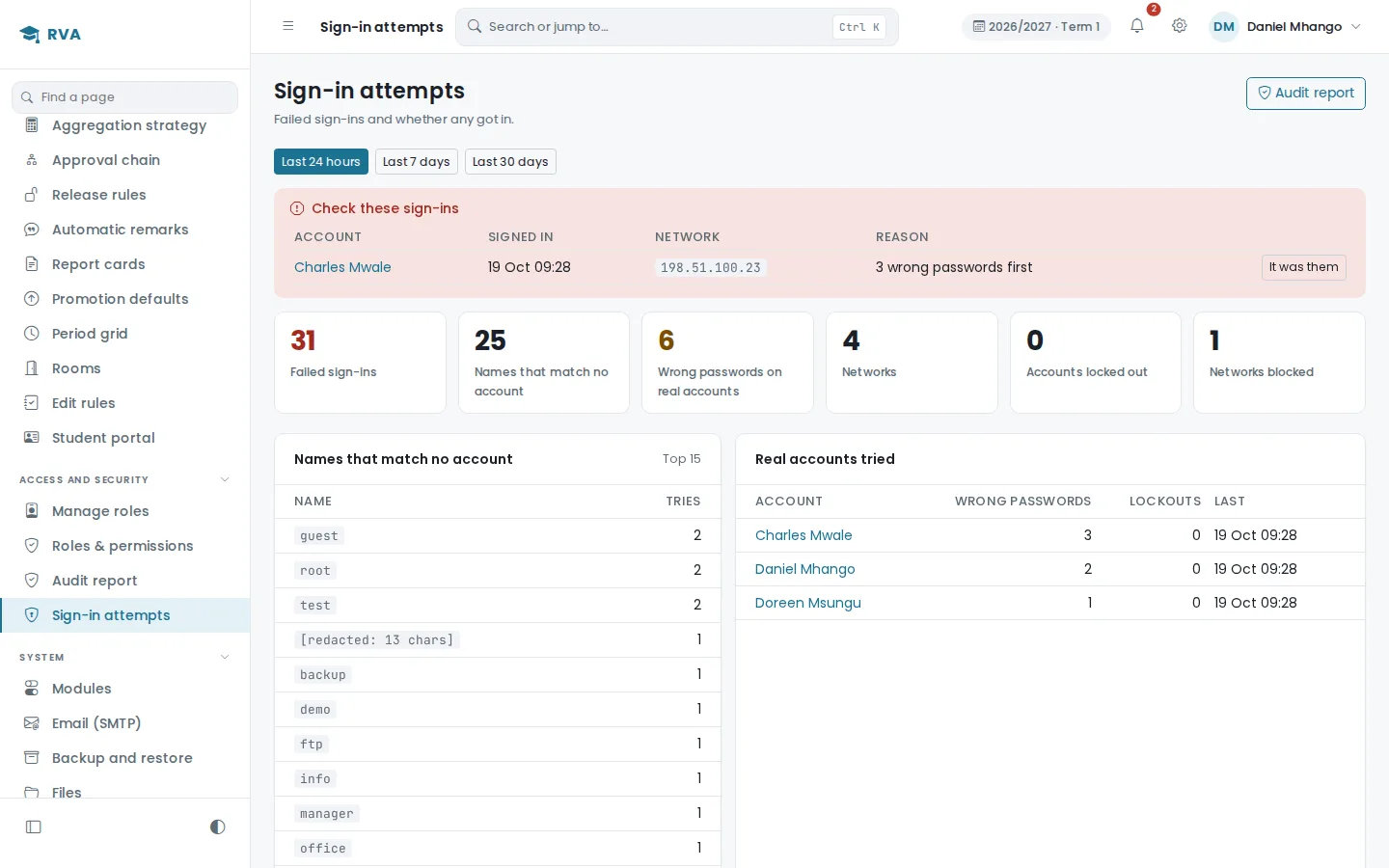
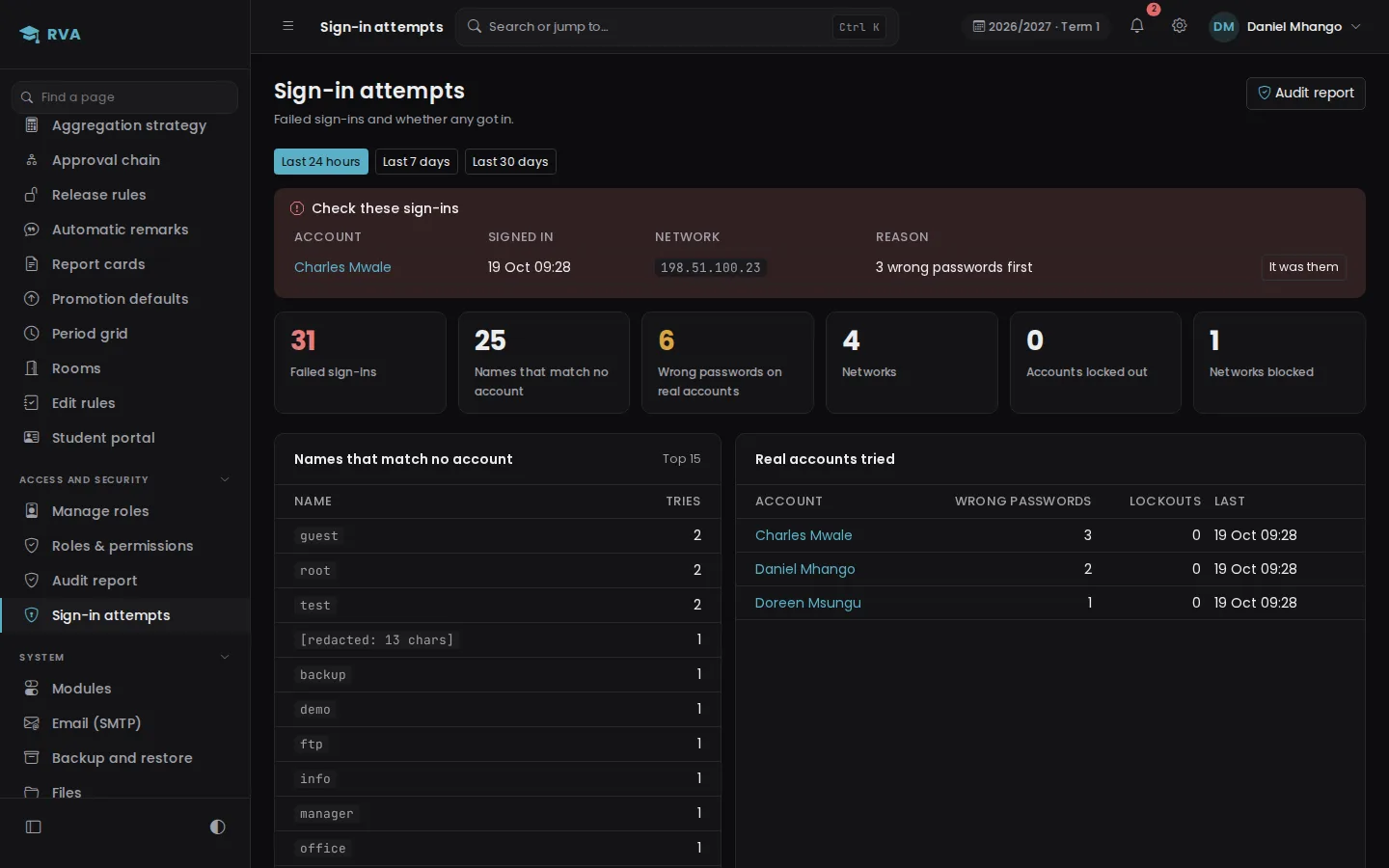
A sign-in attempts page shows what was tried, from where, and whether any of it got in. An administrator can clear a sign-in flagged by mistake, unlock an account or lift a block.
| Role | Scope |
|---|---|
| Administrator | Everything configured for administration |
| Head teacher | School-wide academic oversight |
| Head of department | Their department |
| Teacher | Their assigned classes and subjects |
| Exams officer | Examination administration |
| Finance | Financial records |
| Guardian | Their linked children only |
| Proprietor | High-level oversight and configured approvals |
Two-factor authentication is opt in, and can be required for administrators where a school turns it on. Backups are a capability of the system, not an availability promise.
What it does now
More of the school, in the same place.
Every part can be switched on or off, so a school sees only what it runs.
Exam papers checked first
A head of department reviews every paper before it is sat. Rejected papers come back with a note.
Approvals your way
Each kind of exam has its own approval chain: everyone in order, or any one of them.
MANEB, built in
Register JCE and MSCE candidates, enter grades on one sheet, approve them, and see the analysis.
Timetables and electives
Bell schedules, half days, rooms, and option blocks that split a class into elective groups.
Promotion that keeps history
Promote, repeat or graduate in one run. Subjects and electives carry into the new year.
Fees that hold results
Set a payment level for each kind of result. Below it, the parent sees a note instead of the marks.
Boarding and welfare
Hostels, roll call, exeats, sick bay visits, medical notes and pupil documents.
Staff day to day
A staff register, leave requests, lesson cover worked out from the timetable, schemes of work.
Library, stores, clubs
Books out and back, stock that adds up from its own ledger, club and society members.
A parent app
The same portal on the phone, with push notifications when results are released.
Guides for everyone
Step by step how-to guides for every role, searchable, and downloadable as a branded book.
Rights you can explain
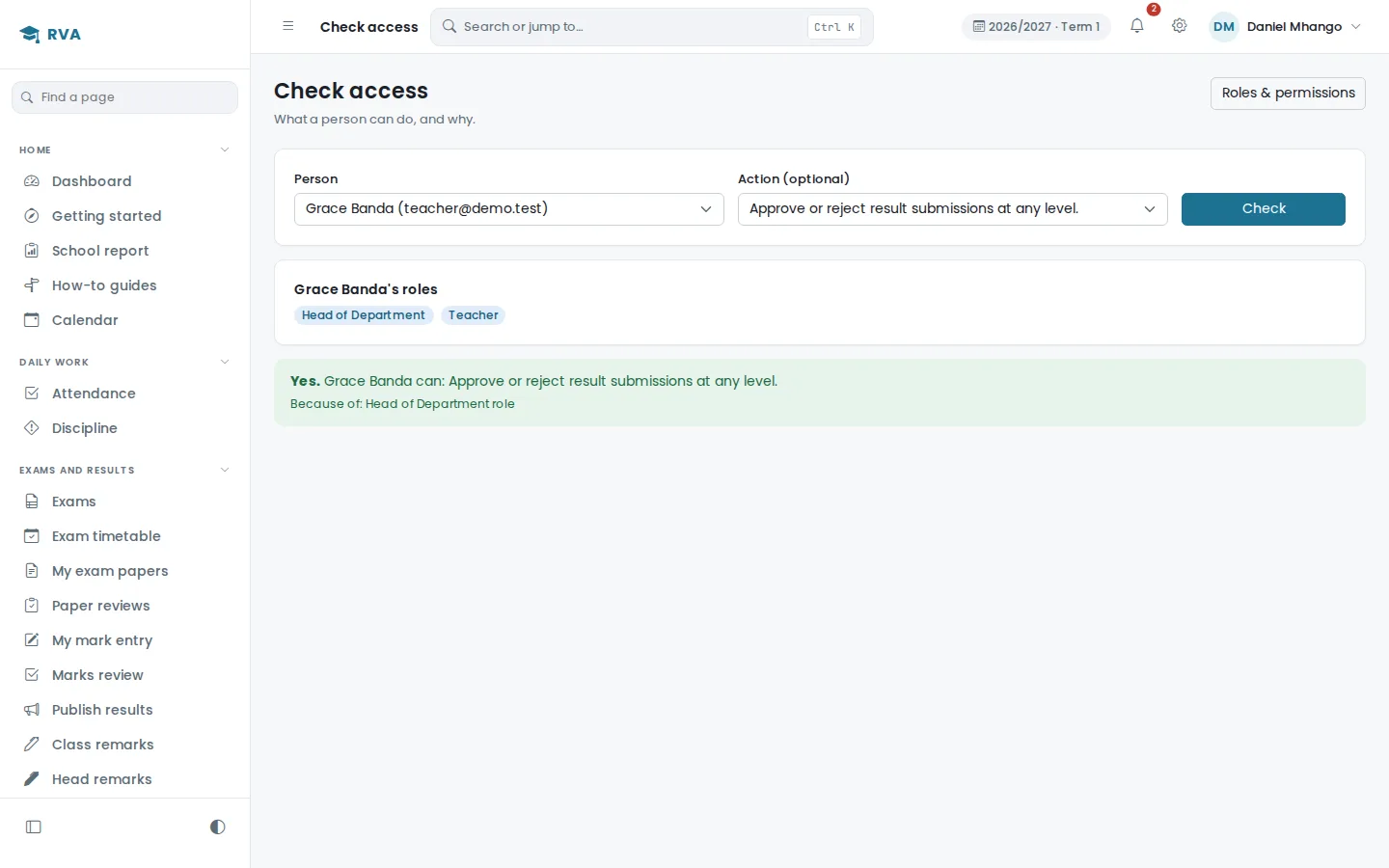
Custom roles, permissions for one person, and a page that shows why someone can do something.
A school report on demand
How a term, a year or several went, in one PDF with the letterhead. Pick the parts you need.
Payments recorded once
A form sent twice makes one receipt, and a payment that looks like a repeat asks first.
Duplicate pupils caught
Two records that may be one child are flagged until somebody decides.
Sign-ins watched
Scripts guessing usernames are blocked, and a page shows whether any attempt got in.
Role-based experience
Everyone gets the tools they need. Nothing they do not.
Administrator
School settings, users and roles, academic years, and the configuration everything else runs on.
Head teacher
Academic oversight across the school, approvals in the results chain, and the term picture.
Head of department
Their department's subjects and teachers, and the first review of marks submitted within it.
Teacher
The classes and subjects assigned to them: rosters, attendance and mark entry, and nothing outside that.
Exams officer
Exam setup and the administration of examinations across the school.
Finance
Fee structures, student accounts, recorded payments and the outstanding position.
Guardian
A read-only view of their own linked children, and the results the school has released.
Proprietor
High-level oversight, and the final approval step where the school configures one.
Deputy (academics)
The curriculum and who teaches what, without the keys to the whole system.
Registrar
Admissions, pupil documents, transfer letters and leaving certificates.
Matron and boarding
Hostels, roll call, exeats and the sick bay.
Librarian and counsellor
The library, and guidance records that stay confidential.
One record, many workflows
One student, read three different ways.
This is the difference between an integrated system and a set of files that happen to be about the same people. Thoko Phiri is one record. The academic office, the finance office and her guardian each see the part of it that belongs to them, and none of them is working from a copy.
Academic
- Class and subjects
- Daily attendance
- Exams and marks
- Published results
- Report card
Finance
- Term charges
- Recorded payments
- Outstanding balance
- Eligibility rules
Guardian
- Portal access
- Results when released
- Fee position
- Notifications
- The record is created with an admission number
- A guardian is linked and given portal access
- The student is enrolled into a class
- The class subjects become their subjects
- A fee account opens against the term charges
- The assigned teacher enters and submits marks
- The head of department reviews the submission
- The head teacher approves it
- It is published, and only then becomes visible
- Guardians using the app are told results are ready
- Finance records what the school received, with its reference
- The student account and balance update
- The school-wide collected figure moves with it
- Any eligibility rule tied to the balance re-evaluates
- The action is written to the audit log
The product
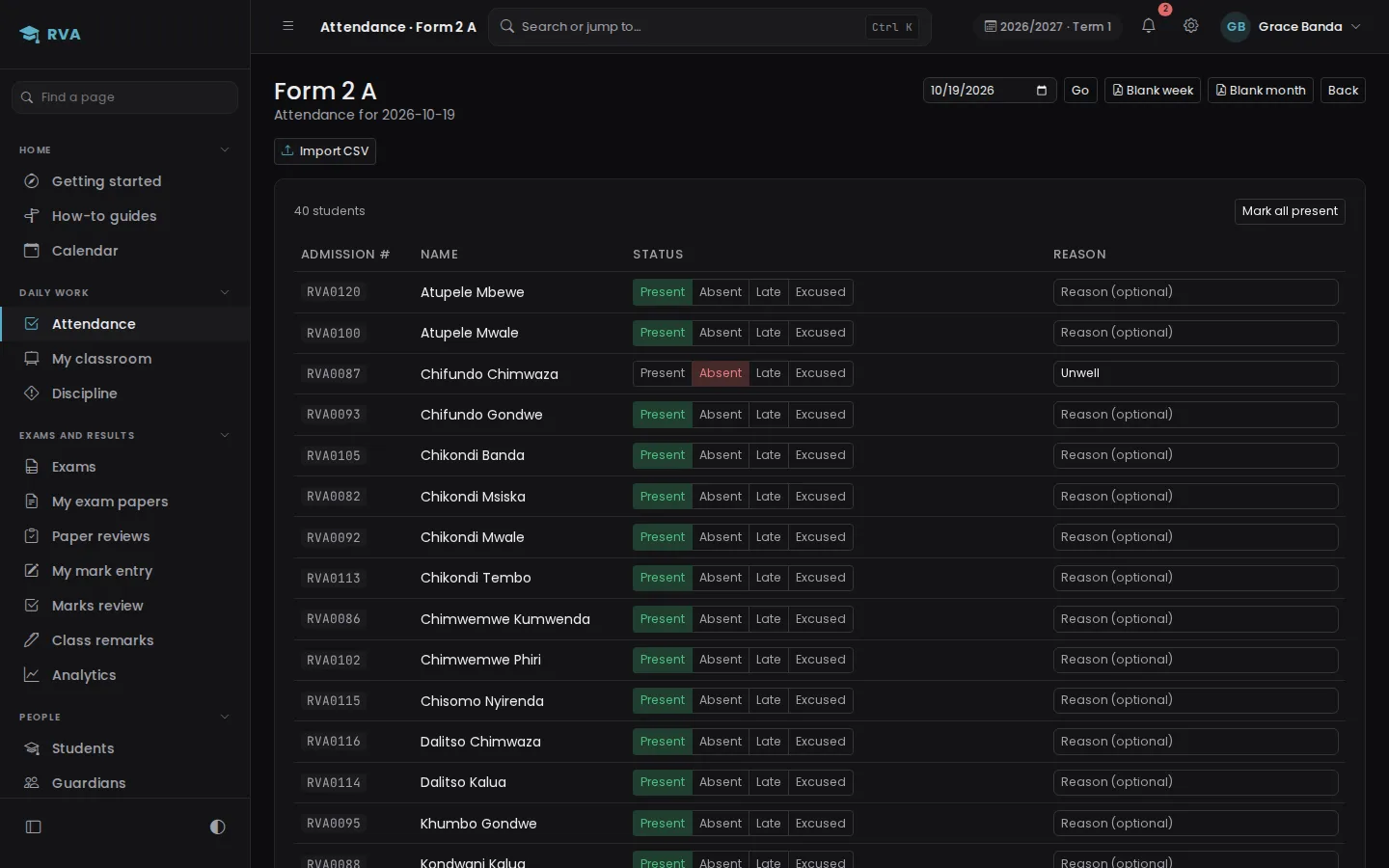
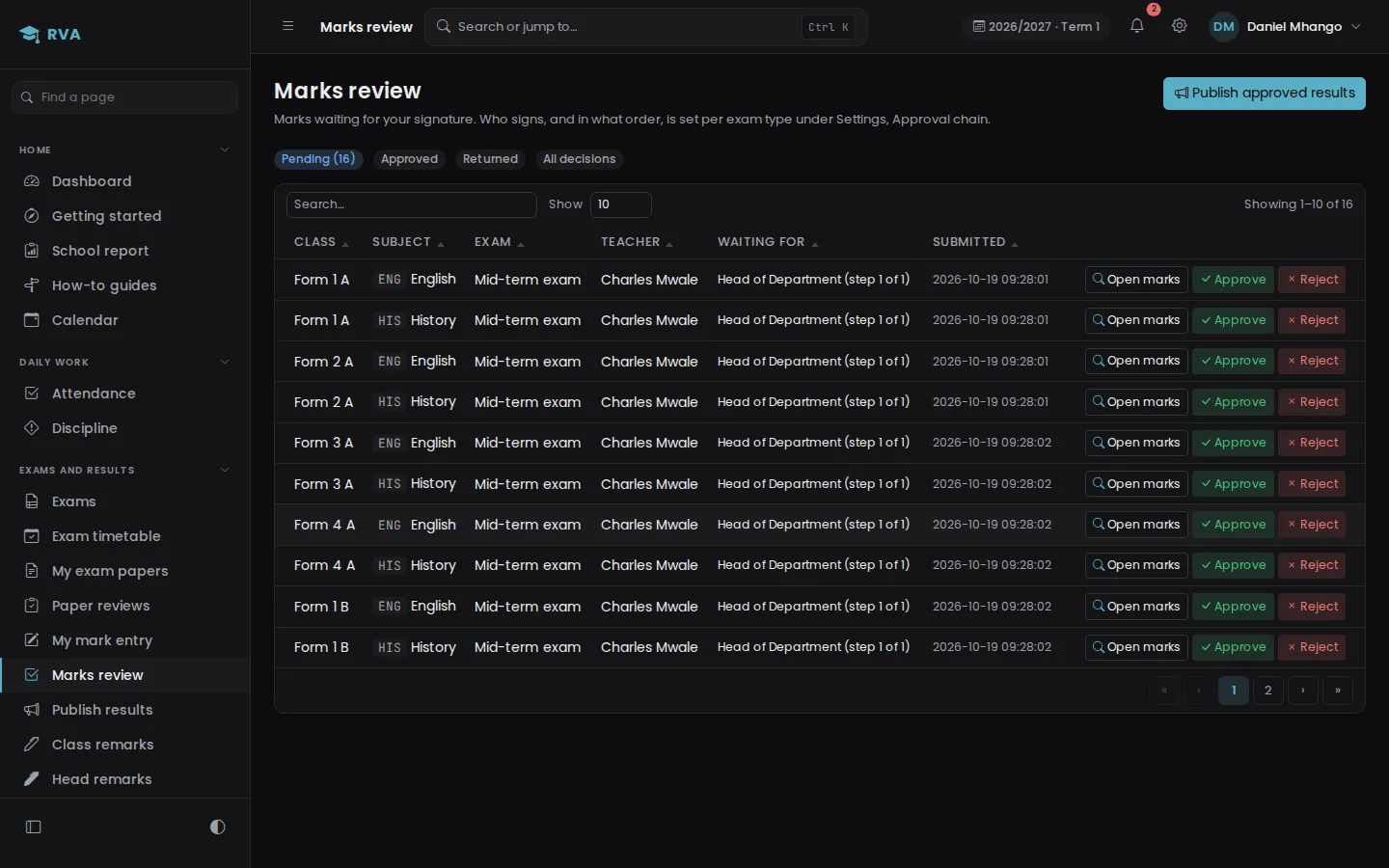
What it looks like in use.
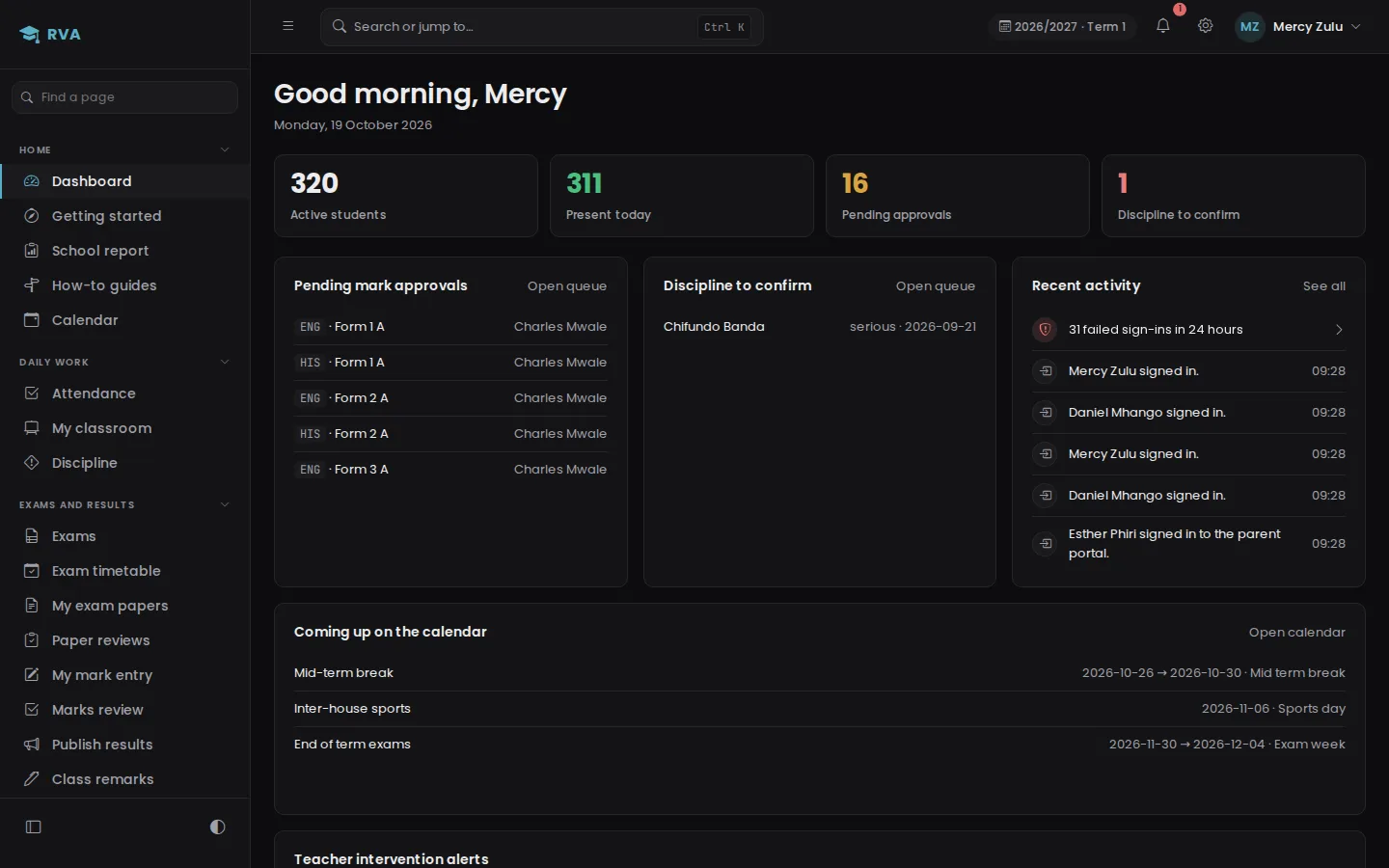
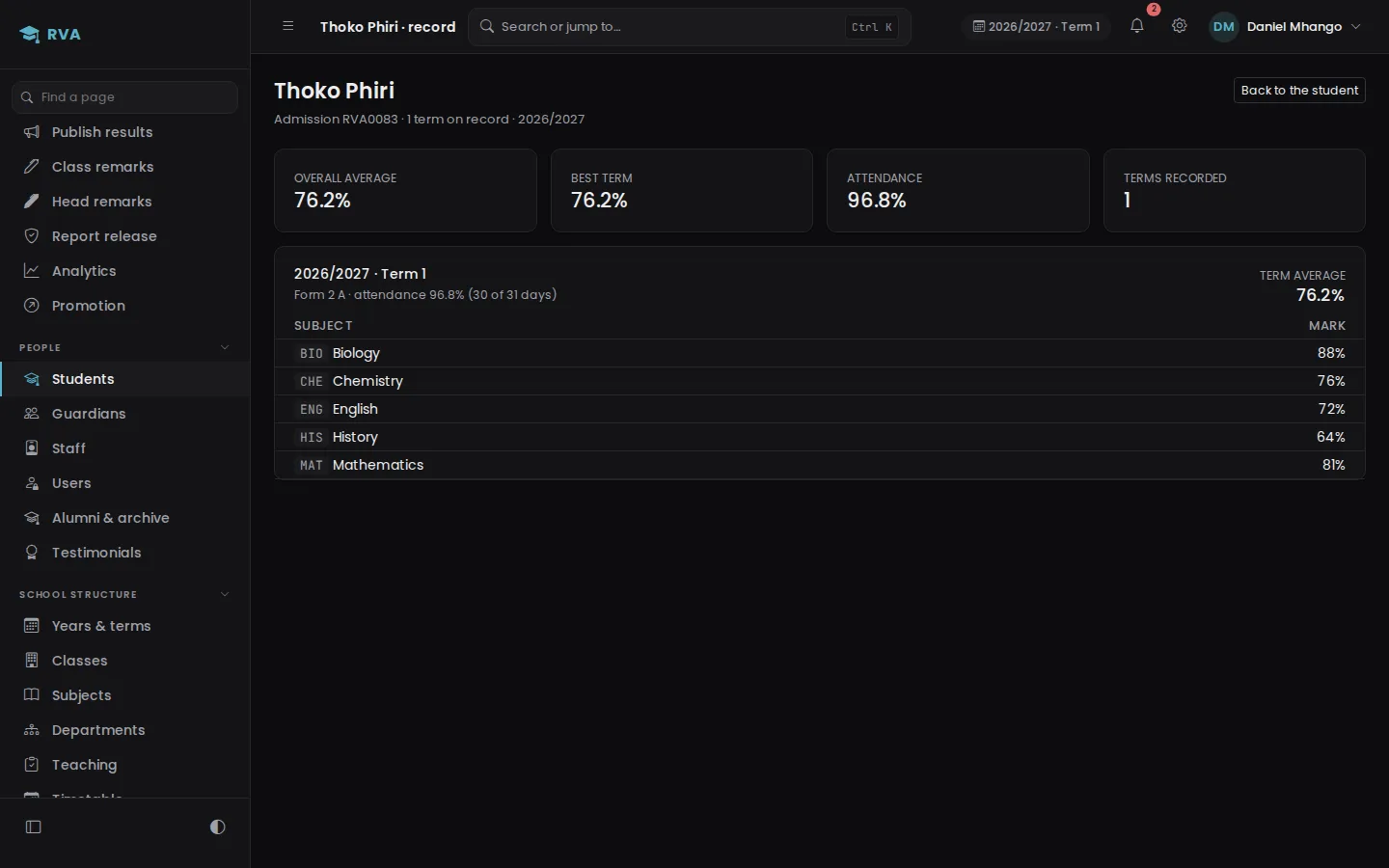
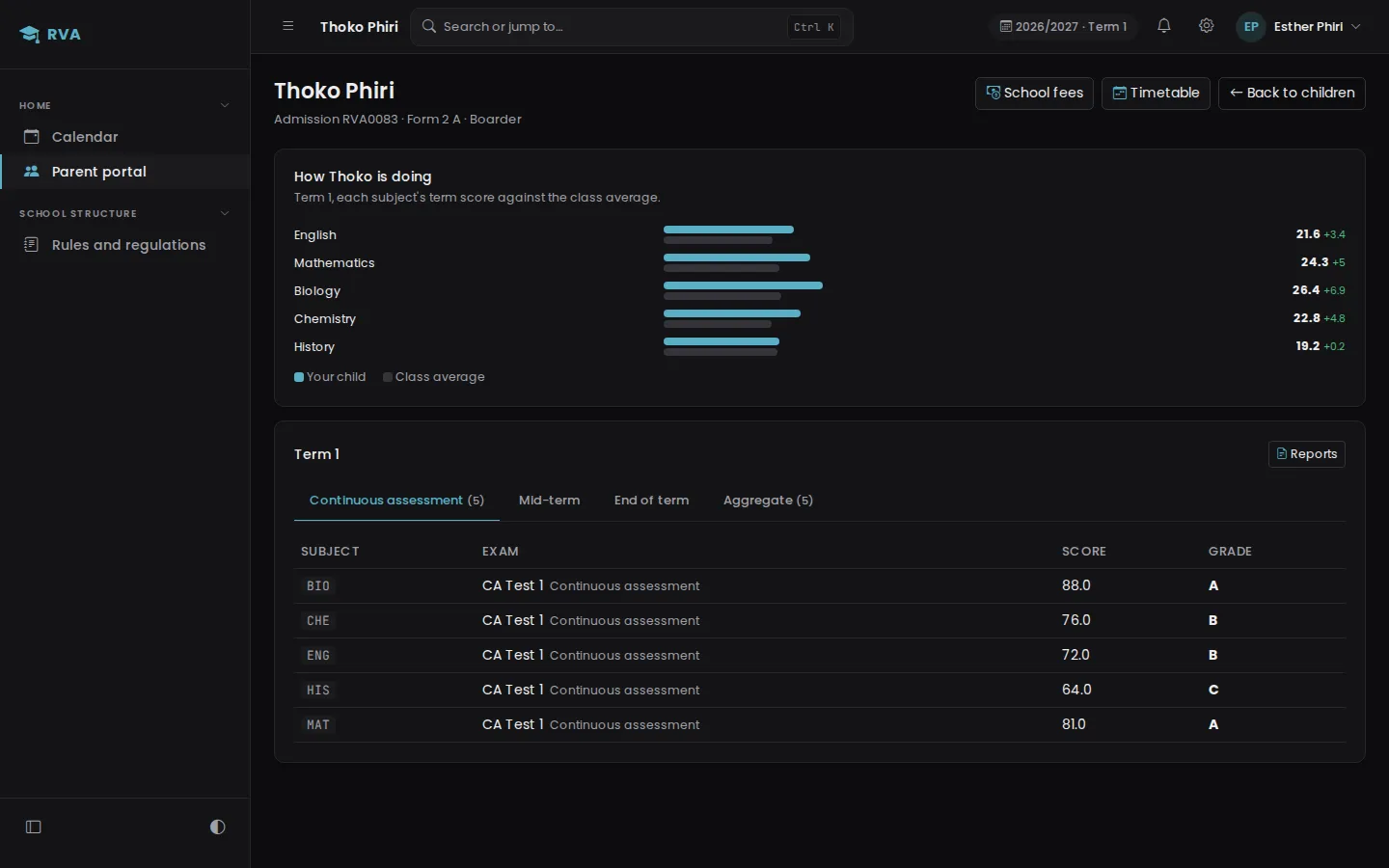
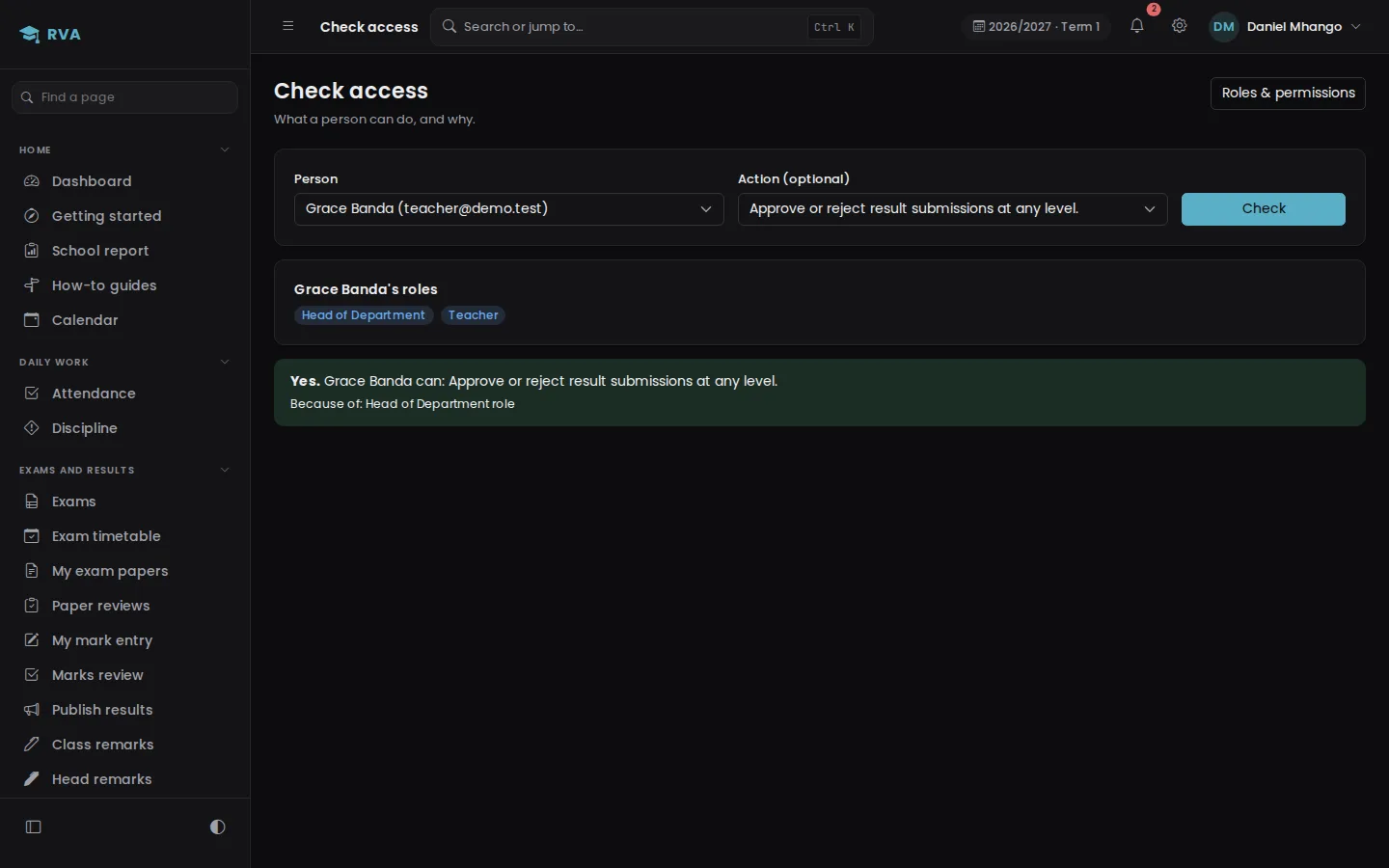
Real screens from the example environment, in the theme you are viewing this page in.
Book a demo
See it working for a school like yours.
Tell us about your school and we will arrange a time to walk you through it, at the school or on a video call.
Prefer to talk first?